Procedures
Manual entry with local account
To log in to CARL Source,
- Launch a browser.
- Enter the address of the CARL Source application in the browser’s Address field.
→ The login window opens.
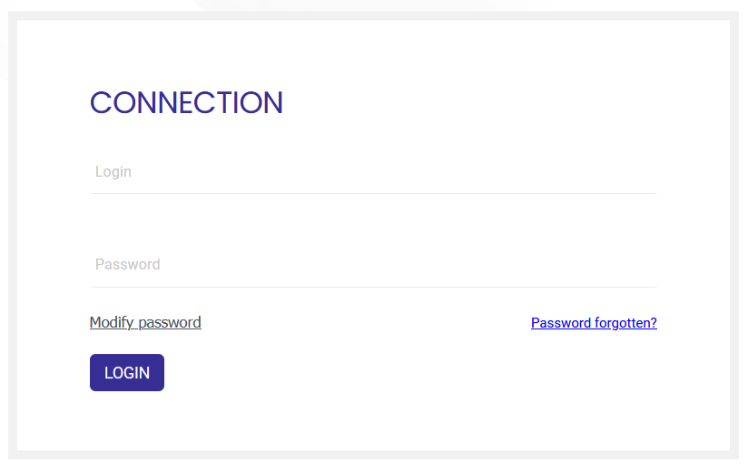
- Enter your login and password.
- Click the [Log in] button.
Identification with OpenID Connect
Another login method consists of using third-party software supporting the OpenID Connect protocol, also called OIDC, accessible via a dedicated button on the login page (mixed mode: manual and SSO). This method relies on a Single Sign-On (SSO) authentication system – for more details, see the end of page.
To log in to CARL Source,
- Launch a browser.
- Enter the address of the CARL Source application in the browser’s Address field.
→ The login window opens. - Click the OpenID Connect button if you have a unique user account in an OIDC directory configured on the application.
- On the external directory page, log in and validate if necessary.
- The connection to the application is activated.
See also Change your password.
See also Forgot password.
Open a second instance with the same login
To easily switch between two CARL Source features, open a new CARL Source window.
Procedure:
- Click on the
 icon.
icon.
→ A new CARL Source session opens in the same browser.
You can access the functions you want there without affecting navigation in the other session.
When you log out, all windows opened under the initial login will be logged out.
Automatic logout
You are logged out after a period of inactivity in CARL Source, as defined in the settings of your profile.
S.S.O. (Single Sign-On)
CARL Source can be configured for S.S.O. In this case, the operating system login and password (for example Windows®) are used for login. The login screen will not appear. Contact your administrator for more information.
The OIDC protocol is one of the ways to manage S.S.O. It allows delegating user identification to third-party software for multiple services, without having to remember multiple passwords.