You can change your password:
- As soon as you are connected by clicking on the "Change" button, after having entered your current password,
- At any time once logged in, by expanding the section accessible by clicking on your name (name of the user logged in at the top right) and selecting "Change password."
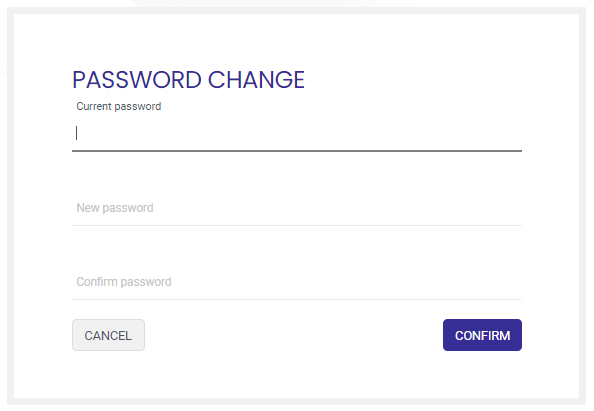
The option to change a password is offered only for users for whom the authentication mode is internal.
If this control process is delegated to an external directory (L.D.A.P., SSO), this action is hidden.