All functions are accessible from all points in the application.
From the home screen
The home screen form appears as soon as you are logged in (see Connect).- In the browsing menu on the left of the application, click on the icon representing the module.
→ The functions menu appears; for example:
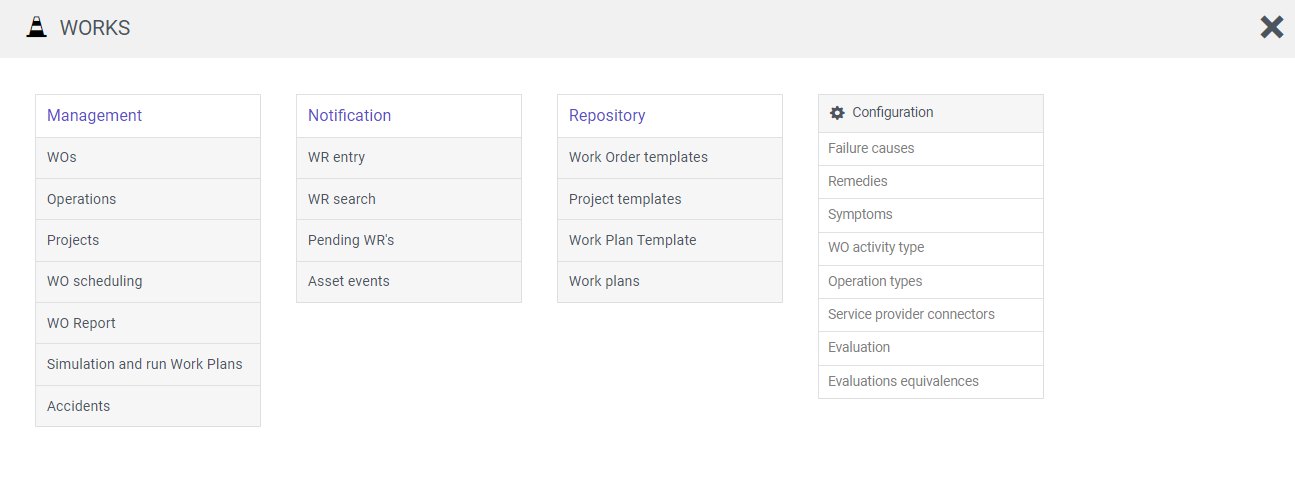
- Click on the function to open.
From any form
The browsing menu on the left of the application is always accessible.
- Click on the icon representing the module.
→ The functions menu of the module is displayed: Click on the function to open.
→ The breadcrumb trail is then reset.
Click the  logo or the
  icon to return to the home screen.
If you have not confirmed your changes in the current form, they will be lost.
You can also access a function in order to add, delete, and edit items from the form wherever you need to (see Icons: Infozone).