Advanced sort, or multi-column sort, applies to the columns of the [Results] tab for the function.
Using advanced sort
- Select "Advanced sort" in the menu of the
 icon in the list header.
→ The sort criteria pop-up is displayed.
- Select the columns to be used for sorting.
→ The selected columns are automatically grouped at the top of the list.
The arrow buttons can be used to change the sort order.
Also, for each selected column, you can choose the sort mode ("Ascending" as default or "Descending" if desired).
Advanced sort results
- In a result form, the sort order and mode are shown in the headers of the columns used for sorting.
Example:
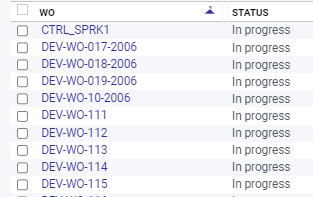
In the example above:
- The PRL is sorted in descending order,
- Then the "Managed in stock" column is sorted in ascending order.