Memos in CARL Source can be used to:
- send a message to a set of users, over a given period, about the application in general or a specific element;
- receive a message from another user.
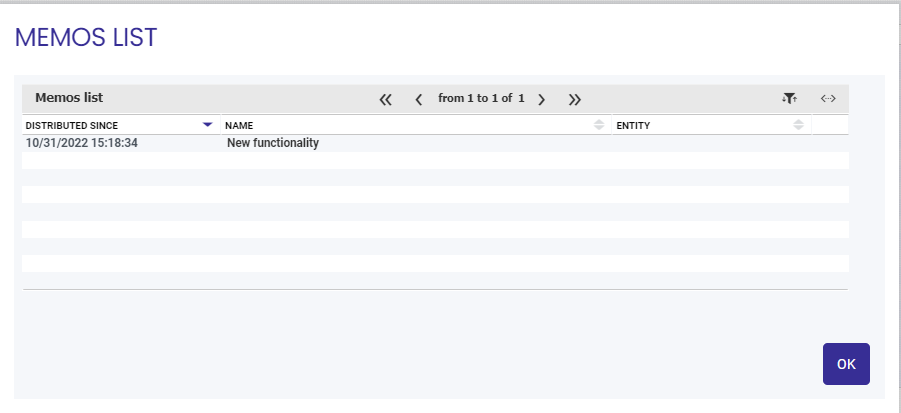
Memos to be viewed
You can view the list of memos by selecting "Memos to be viewed" in the menu of the icon  .
.
An insert on the icon (e.g.  ) shows the number of memos.
Creating a general memo
A general memo provides general information about the application (e.g. What's new in the application following an update).
From any screen in the application, you can select "Create a general memo" via the icon. The memo form is displayed in creation mode, Memo [General].
Creating a memo on an entity
A specific memo relates to a particular element (e.g. SHOPCOAT item inventory outage).
From the detail form for the element concerned, you can select "Create a memo on the entity" via the icon. The memo form is displayed in creation mode, Memo [General].
Advanced search
You can search for a memo using the "Advanced search" option via the icon .
You are taken directly to the [Criteria] tab, though you can also access the [Favorites] and [Results] tabs if desired.